The shots a clothing listing needs, how to prepare and light the garments, keeping color true and every image consistent, and what changes when a model wears them.
Clothing is harder to sell online than most products, because the buyer cannot touch the fabric, check the color in daylight or try anything on. The photographs have to do all three. Good clothing photography answers the questions a shopper would answer in a fitting room: what it looks like, what it is made of, how it hangs and how it fits. This guide covers how to plan, shoot and finish clothing photos for an online store.
Choose the shot types first
There are four common ways to photograph a garment, and most stores use two or three of them:
- Flat lay. The garment laid flat and shot from above. Fast, cheap and consistent; best for T-shirts, knitwear, denim and kidswear. See our flat lay guide.
- Ghost mannequin. The garment shot on a mannequin that is removed in retouching, so it keeps its shape with nobody inside. Best for jackets, dresses and tailoring.
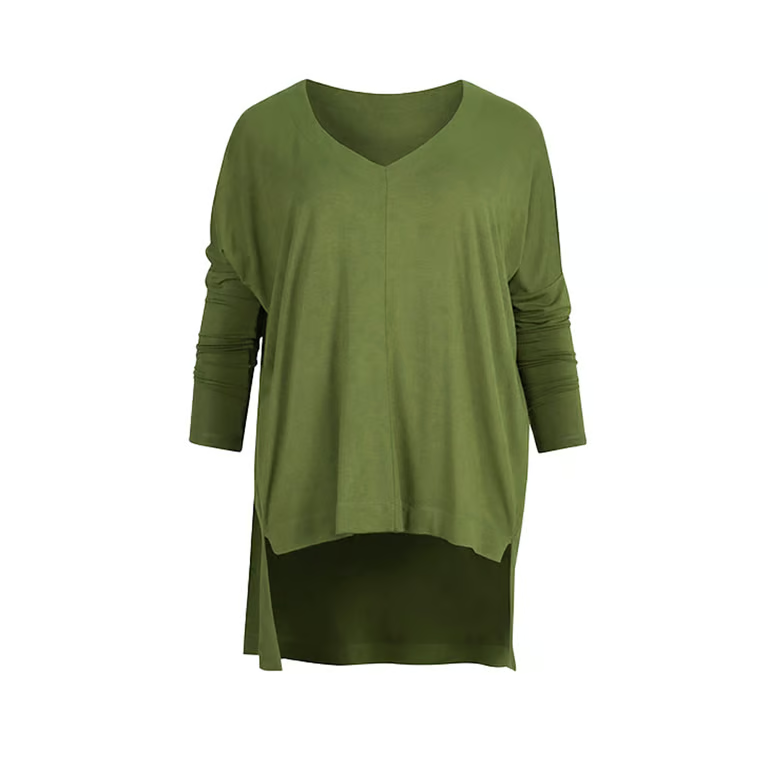
- Hanger. The garment on a hanger, keeping its natural drape. A simple option for shirts and outerwear.
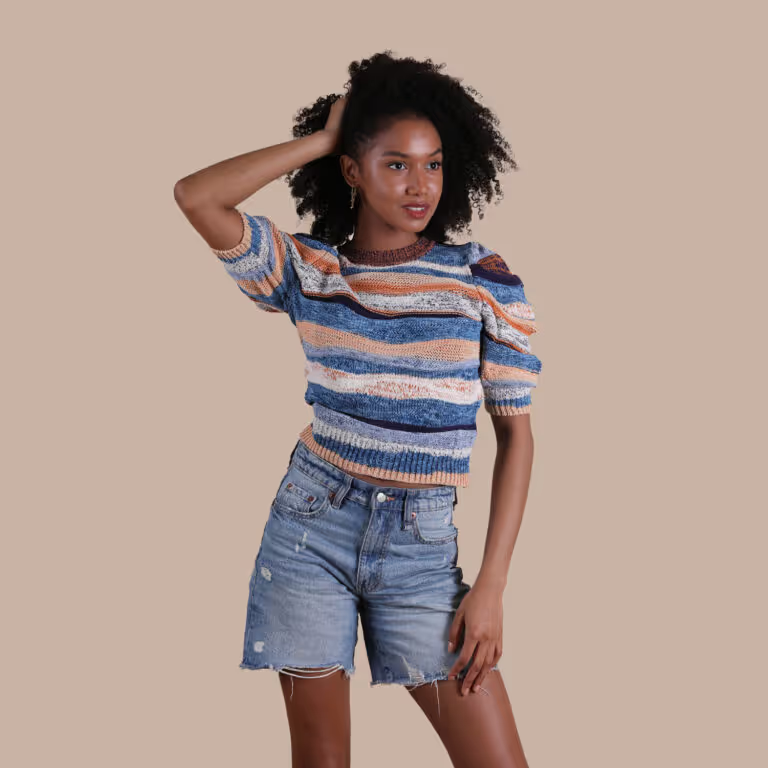
- On a model. The only shot that shows fit on a body, and usually the strongest image for a hero product or a whole collection.
If you are deciding between the first two, ghost mannequin vs flat lay compares them garment by garment. Whatever you choose, choose it per category and keep it, so a category page looks like one collection.
Plan the shot list
Decide which images every product gets before the shoot, and write it down. A typical clothing listing has:
- A main image on white, front facing.
- The back, because buyers want to see it and it is often where the detail is.
- A side view or a three-quarter angle for anything with shape, such as a jacket or a dress.
- Close-ups of the fabric, the print, the label, and any buttons, zips or hardware.
- At least one on-model image for the products where fit matters.
Repeat the same list for every colorway, so a buyer comparing the navy and the black version sees the same views of each.
Prepare the garments
- Steam every piece, including the fold lines from packaging. Creases are the first thing a shopper notices.
- Remove tags, stickers and loose threads, and go over the fabric with a lint roller.
- Button, zip and fasten everything the way it would be worn.
- Send the right size. A sample that is too small cannot go on a mannequin or a model; one that is too large can be clipped at the back, but the clips have to stay out of sight.
Light it evenly
Clothing is mostly about color and texture, so the light should be soft and even rather than dramatic. Two large soft sources either side of the garment, or a key light with a reflector filling the shadows, show the fabric without hiding the color in deep shadow. Light a white background separately if you want it pure white; our white background guide covers how.
For full-length on-model shots, a short telephoto lens of around 70mm to 100mm on a full-frame camera, with the camera at about the model's waist height, keeps the body in proportion. A wide lens close to the model stretches whatever is nearest to it.
Keep the color true
A garment that arrives a different color from its photo is one of the commonest reasons clothing is returned. Shoot every product under the same light, set a custom white balance from a grey card at the start of each session, and check the image against the real garment before moving on. Dark fabrics, saturated reds and anything with a sheen are the colors cameras most often get wrong, so give them a second look.
On a model
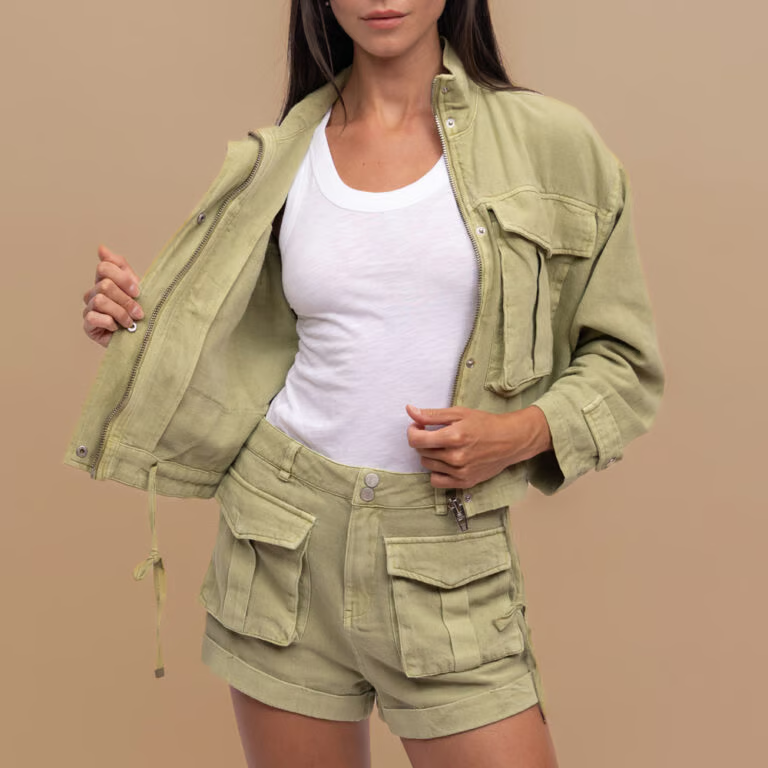
A model shows what no other shot can: how a garment fits and moves on a body. A few things make on-model images work for a store rather than a magazine:
- Style for the product. Pair the garment with plain, neutral pieces, so it is clearly the thing being sold.
- Repeat the poses. The same front, back and side poses for every product let a shopper compare like with like.
- Show fit honestly. If the garment is clipped to fit the model, the clips belong out of sight at the back, and the fit in the photo should match the fit a customer will get.
- Frame consistently. Google's clothing guidance recommends showing clothing on a real person and, in a full-body image, not cropping the model's head or feet.
A short video adds what a still cannot: how the fabric moves and drapes when someone walks.
Consistency is the whole catalogue
One good photo is easy; three hundred that match are the real work. Fix the camera height, the crop, the margins around the garment, the poses and the background, and write them down. That written spec is what makes next season's products sit naturally beside this season's.
Retouching
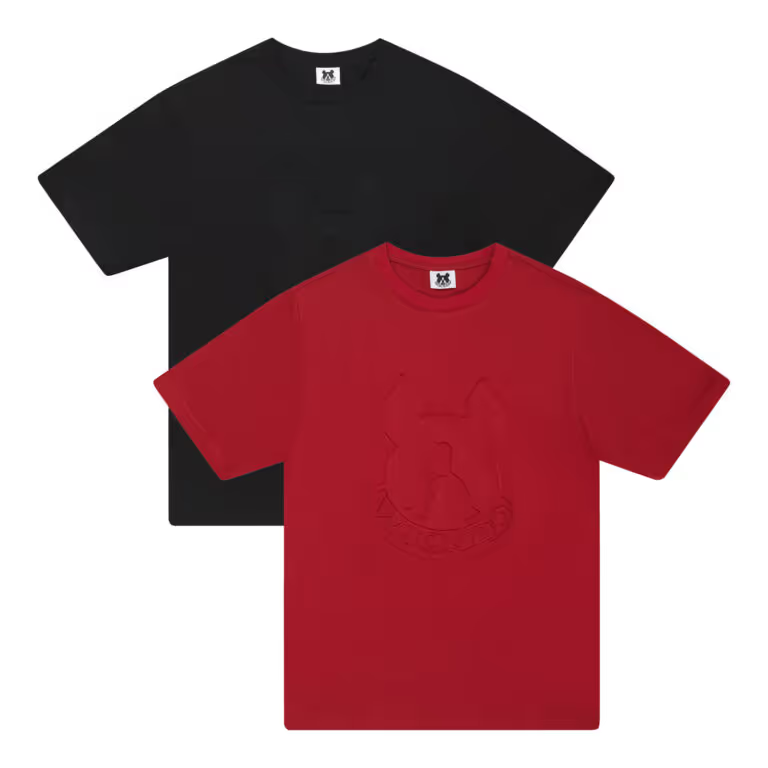
Clothing retouching usually means cleaning the background, removing lint and stray threads, softening creases the steamer missed, matching color to the real garment, removing the mannequin from ghost mannequin shots, and cropping every image to the same size. It should stop short of changing the product: slimming a fit, smoothing a texture away or brightening a color creates the gap between photo and parcel that turns into a return.
Common mistakes
- Creases and packaging folds left in.
- Colors that drift from one product, or one session, to the next.
- No back view, or no close-up of the fabric.
- Mixing flat lays and mannequin shots within one category.
- On-model shots where the clips, or a badly fitting sample size, show.
- Different crops, angles and margins across the range.
Doing it yourself or using a studio
For a small range, a home setup and some patience go a long way. For a full catalogue, most of the time goes into steaming, styling, matching and retouching, and into keeping hundreds of images the same. Studio Nula photographs clothing with steaming, styling and retouching included: flat lays from $39, hanged shots at $39, ghost mannequin from $69, model photos at $79 and model videos at $99. On-model orders have a minimum of 20 images, because a model is booked for the day. See clothing and apparel photography for examples and prices.
If you have not worked with us before, the first shot is free and nothing is owed on it. Ask for your free first shot.