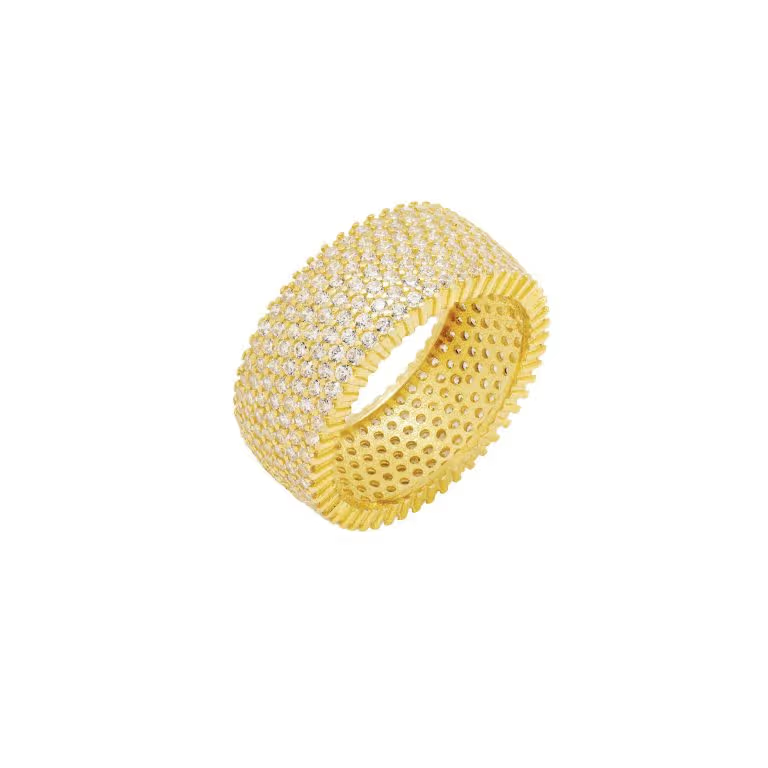
Metal reflects everything around it and stones only sparkle under the right light. How to light, focus, position and retouch rings, earrings and necklaces for a product page.
Jewelry is one of the hardest products to photograph well. It is small, so every speck of dust shows. Polished metal works like a mirror and reflects whatever is around it, including the camera. Stones only sparkle under the right kind of light. And buyers zoom in, because they are deciding whether something is worth the price from a few square inches of screen. This guide covers how to handle each of those problems for an ecommerce listing.
What you need
- A macro lens. A macro lens around 90mm to 105mm on a full-frame camera fills the frame with a small piece while keeping the camera far enough back that it does not crowd the light or appear in the reflection.
- A sturdy tripod. At close range the slightest movement blurs the image, and several of the techniques below need identical frames.
- Large, soft light. Big diffused sources, such as softboxes or a light tent, give metal smooth, even highlights instead of hard specks.
- White and black cards. Pieces of white and black card are how you control what the metal reflects, which is most of the job.
- Small supports. Museum putty or wax to hold rings upright, clear acrylic stands, fishing line, and a bust for necklaces.
- Cleaning kit. A microfiber cloth, cotton or nitrile gloves, and an air blower for dust.
Prepare every piece
Polish each piece with a microfiber cloth and handle it with gloves from then on, because fingerprints show on polished metal at full size. Blow off dust just before you shoot. Straighten chains, lay out any links that have twisted, and close clasps the same way on every product so the range looks consistent.
Light the reflections, not the piece
A polished surface shows a reflection of what is around it, so you do not really light metal directly. You choose what it reflects. A large soft light reflected in a ring's band reads as a smooth, bright gradient; a dark area reflected in it reads as depth and shape. That is what the cards are for:
- A white card placed where the metal can see it adds a bright, clean highlight.
- A black card adds contrast and defines edges, which stops polished metal looking flat and grey.
- Keep the camera out of the reflection by shooting through a small opening in the diffusion, or by angling the piece so the lens does not face a flat polished surface head on.
A light tent gives very even light, which is useful for a beginner, but it can also leave metal looking flat because there is nothing dark for it to reflect. Add a strip of black card inside the tent to bring the shape back.
Making stones sparkle
Faceted stones sparkle when a small, hard light source catches the facets. The usual approach is to light the whole piece with the soft base light, then add one small point of light, such as a bare LED, aimed at the stones. Move it slowly while watching the screen until the facets light up, and stop before the highlights turn into large white patches.
Color
Gold, rose gold and silver have to look like themselves, because a customer who receives a yellower or greyer piece than the one they saw sends it back. Use one kind of light rather than mixing daylight with indoor bulbs, set a custom white balance from a grey card, and compare the image on screen with the real piece before you move on.
Getting the whole piece sharp
At close range the zone of sharp focus is very thin, often only a few millimeters even at a small aperture. Stopping the lens down helps, but past roughly f/16 the whole image starts to soften through diffraction. The answer for most jewelry is focus stacking: keep the camera still, take a series of frames with the focus moved slightly forward each time, then blend them in software, such as the auto-blend feature in Photoshop or a dedicated stacking program, into one image that is sharp from front to back.
Use a remote release or the self-timer so pressing the button does not shake the camera, and keep the ISO low so fine detail is not lost to noise.
Positioning by type of piece
- Rings. Stand the ring upright on a little putty and turn it to a three-quarter angle, so the stone and the band are both visible.
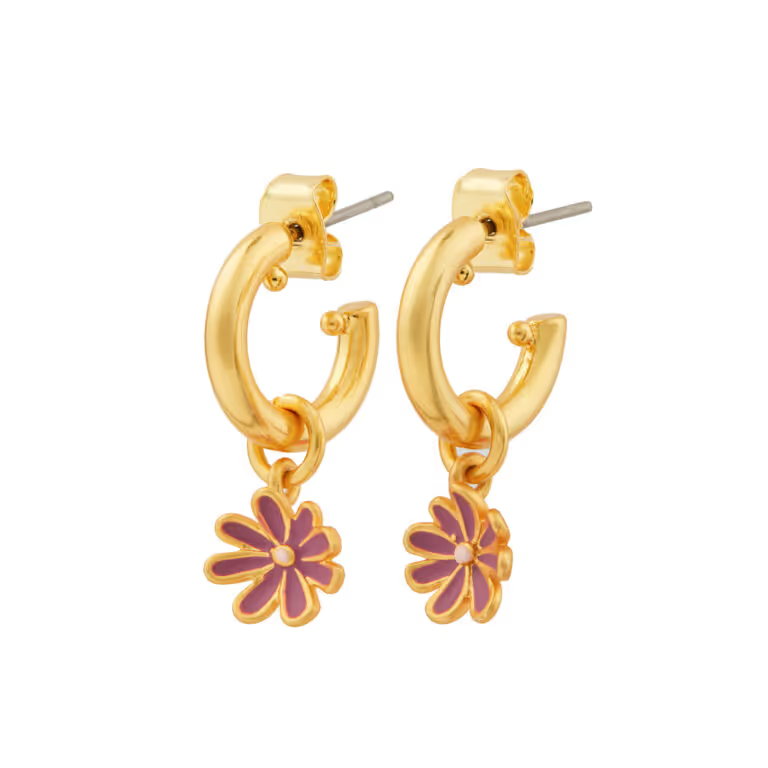
- Earrings. Shoot them as a matched pair, facing the camera, at the same height and angle.
- Necklaces. Lay the chain in a smooth, natural curve, or hang it on a bust. Shoot the pendant and the clasp separately as detail shots.
- Bracelets. Rest them on a cylinder or form so they hold their round shape instead of lying flat.
Showing scale
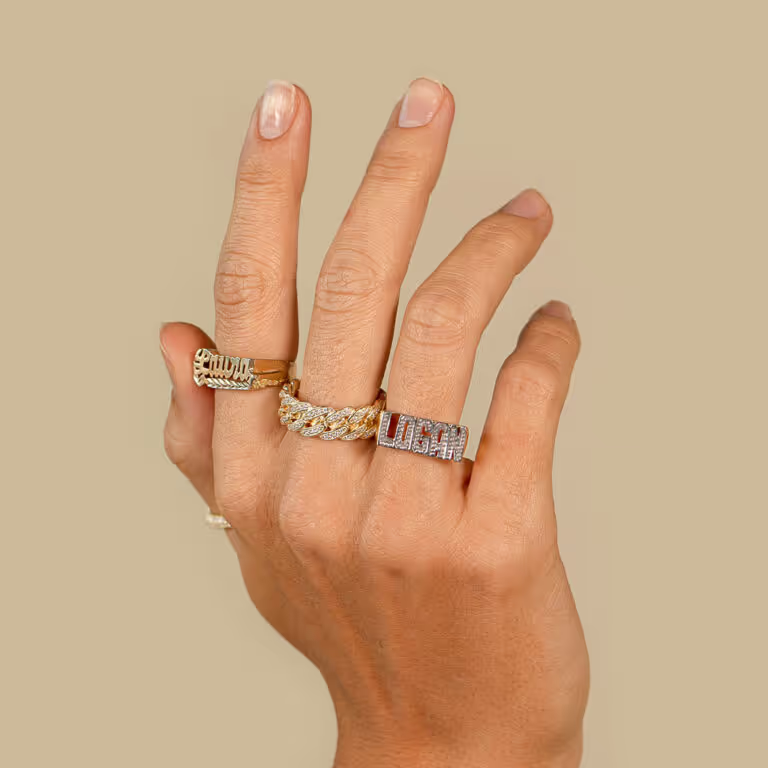
A ring on a white background tells a buyer nothing about how big it is. A shot on a hand answers that at once, and a shot on a model shows how a necklace or a pair of earrings sits against a neckline. Most jewelry listings need one of each: the piece on white for detail, and the piece being worn for size.
Movement helps too. Stones sparkle as they turn, which a still photograph can only hint at, so a short video of the piece rotating, or being worn, often does more for a stone than another still.
Retouching
Jewelry needs more retouching than most products. The usual work is removing dust, lint and tiny scratches that show at full size, cleaning up stray reflections, evening out the tone of the metal across a range, removing the putty and stands, and setting the background to pure white (#FFFFFF) where a marketplace requires it.
Retouching should make the piece look the way it does in the hand, not better. Changing the color of a stone or the finish of the metal is how a listing earns returns.
Common mistakes
- The camera or the photographer reflected in a polished surface.
- Stones that look grey because there was no small light to catch them.
- Gold that looks yellow-green, or silver with a blue or yellow cast, from mixed light.
- Dust and fingerprints that only show once the image is zoomed in.
- A sharp stone with a blurred band, where focus stacking was needed.
- Pieces shot at different sizes and angles across the same range.
Doing it yourself or using a studio
A careful home setup can produce good jewelry images, but it takes time to learn, and most of that time goes into lighting each piece and retouching it rather than taking the picture. Studio Nula shoots jewelry from $49 an image on white, with the lighting and retouching included, pairs at $89, hand model photos at $69, model photos at $89 and 360 videos at $99. See jewelry product photography for examples and the full price list.
If you have not worked with us before, the first shot is free and nothing is owed on it. Ask for your free first shot.